Find an application near an address
Search a postcode or street, move to the property on the map, then narrow the results by date and application type.
Read the search guideLearn how to search and filter UK planning applications, understand the information on an application record, track a proposal, and create alerts for the places you care about.
Join thousands across the UK receiving Plota planning alerts. Read more
Every application links to the relevant council record, which remains the official source for documents, deadlines, comments, and decisions.
Looking for commercial use? The same normalised records are available through the Plota planning API, with published plans and commercial terms.
Before you begin
Plota brings together current and historic planning applications published by local authorities across the UK. Coverage spans 389 planning authorities, with an archive of over 10 million past applications going back to 2016. You can search by postcode, street, town, council, application reference, or description, then explore results on a map and filter them by application type and date.
Start with an address, place, reference, or description, then narrow the results.
Search by postcode, street, town, council, planning application reference, or words from the proposal description. Plota connects the result list to the map, so you can understand both the record and its location.
Use a full postcode for a precise area, a street or town for a wider view, or a council name to browse one authority.
Paste the application reference into the search when you already know it. This is often the quickest route to one specific record.
Pan and zoom to change the visible area. Markers group together at wider zoom levels and separate as you move closer.
Limit results by date and application type, such as extensions, new homes, listed buildings, trees, or change of use.
Useful tip: filtered searches update the page URL, so you can bookmark a useful view or send it to somebody else.
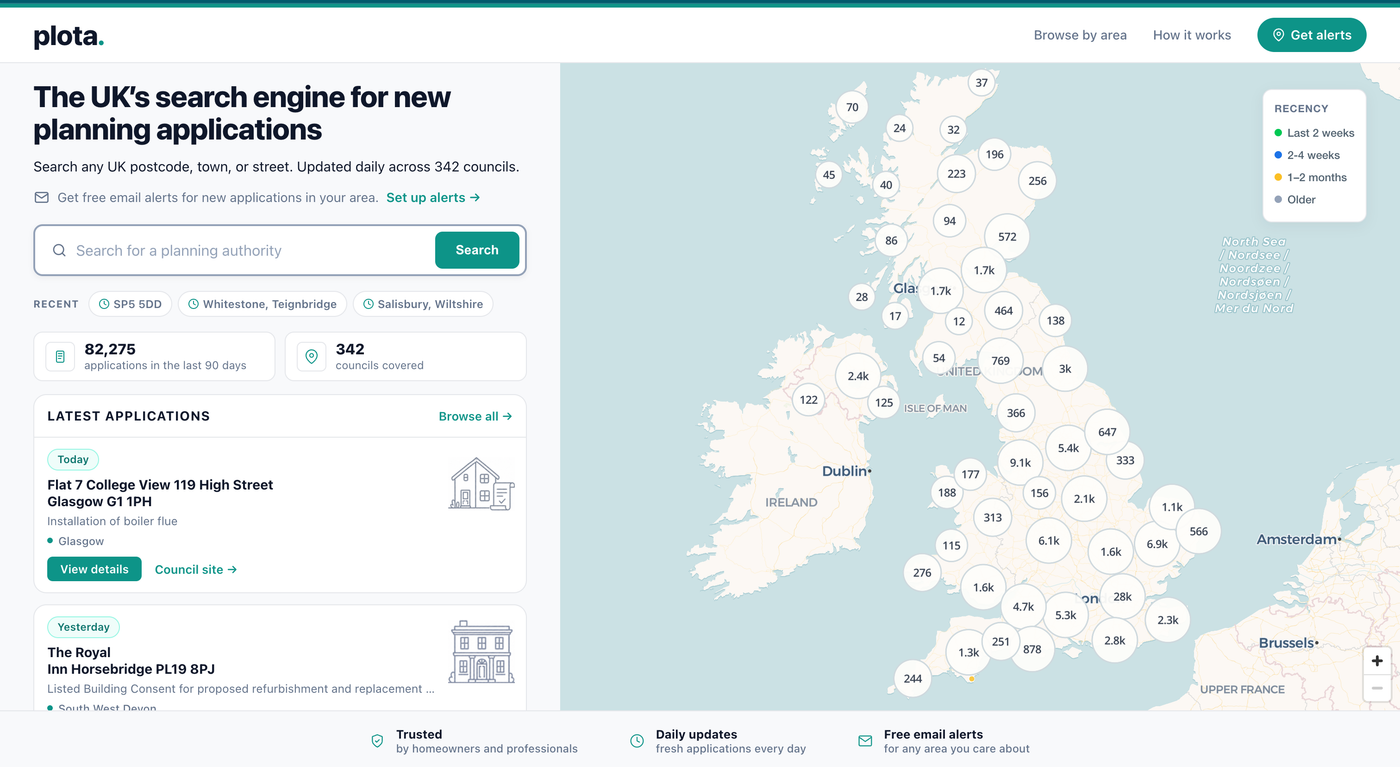
Check the record before deciding what matters.
Open a marker or result to see the information Plota has collected from the council. Depending on the application, this can include its proposal, status, key dates, progress, decision, documents, applicant details, and case officer.
Check the address, proposal description, application reference, planning authority, and current status.
Look for the validation date, consultation deadline, target decision date, and any recorded decision.
Plans, statements, reports, and consultation material provide more detail than the short proposal description.
Follow the council record link for the latest documents, deadlines, formal comments, and decisions.
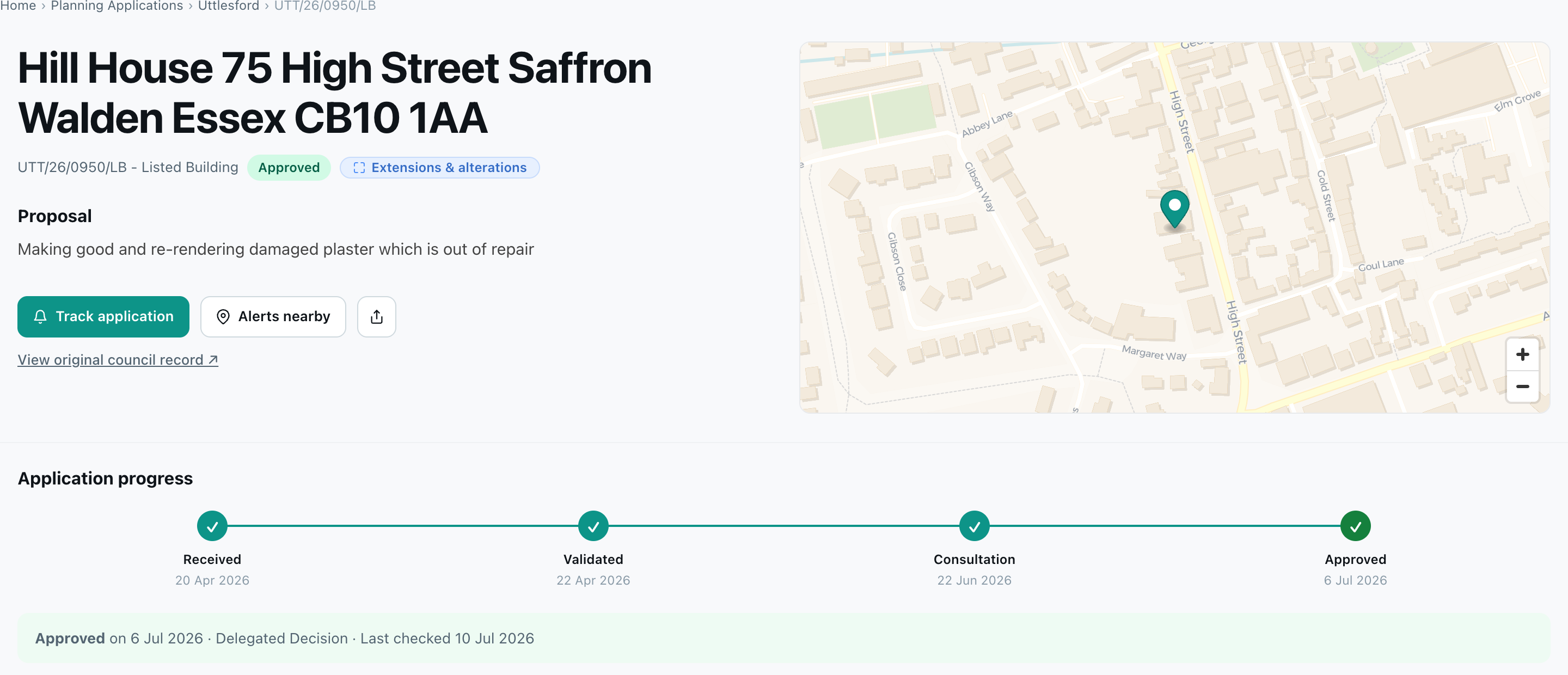
Follow one proposal without repeating the same search.
Tracking is for an individual application. It is separate from an area alert, which watches for newly published applications within a chosen boundary.
Find the record through search, the map, or a direct application link.
Use the tracking control on the application page to save that individual proposal.
Follow status changes, a recorded decision, or new documents where those options are available.
Review or stop tracking from your saved areas and applications dashboard.
Tracking or alerts? Track one known application. Create an area alert when you want to hear about new applications published around a location.
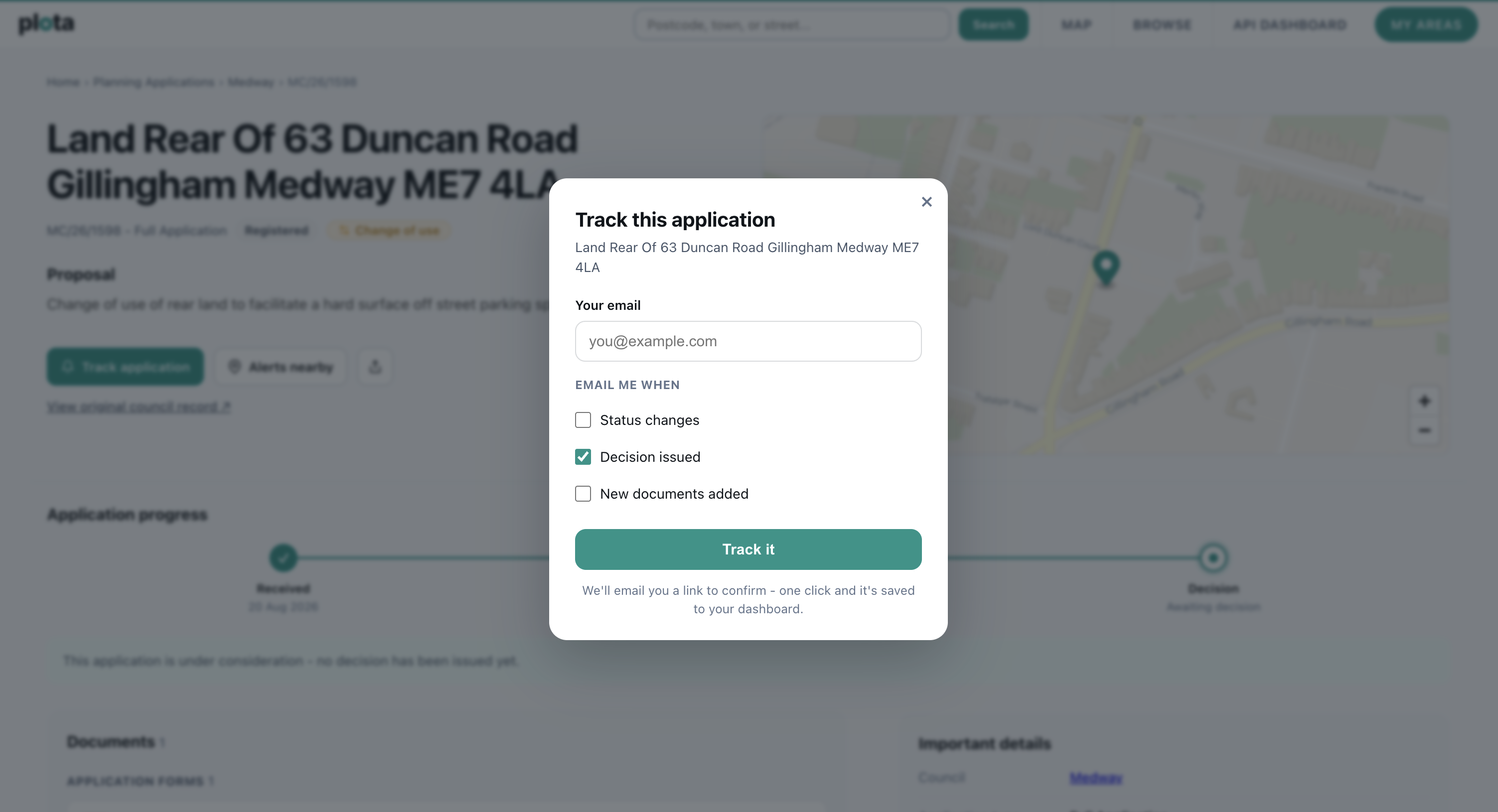
Choose exactly where you want Plota to watch.
Alerts save you from repeating the same search. You can monitor a postcode, radius, council, or custom area, filter by application type, then choose how often you want to hear about newly published applications.
Start from the navigation or from the map after finding the area you care about.
Use a standard area for speed, or choose a custom boundary when a circle or whole council is too broad.
Paint the relevant hexagons, erase places you do not need, and include separate patches where necessary.
Plota classifies every application into types such as extensions, new homes, and change of use. Pick only the types you want, or leave the alert open to everything.
Select daily, weekly, or fortnightly updates. Alert emails include an unsubscribe option.
Useful tip: custom areas work well for conservation areas, village edges, development sites, school catchments, and streets where a fixed radius would include too much.


Plota brings council-published planning information into a consistent search and monitoring experience. It makes records easier to find, but it does not replace the authority’s official record.

These are the most common journeys through Plota.
Search a postcode or street, move to the property on the map, then narrow the results by date and application type.
Read the search guidePaste a known council application reference into search to find the matching record more quickly.
See reference searchingChoose a postcode, radius, council, or custom boundary, then select how often Plota should email you.
Read the alerts guideOpen the Plota record, follow its council link, check the consultation deadline, and use the authority’s official process.
See the commenting stepsPractical answers about searching, references, alerts, tracking, council records, and the Planning Portal.
Contact PlotaUse Plota’s search to enter a postcode, street, town, council, planning application reference, or words from the proposal description. You can then move around the map and filter results by date and application type.
Yes. Paste the council’s application reference into the search. References vary between authorities, so use the complete reference where possible.
Check the spelling, postcode, application reference, date range, and active filters. The council may not have published or validated the application yet, or its planning system may be temporarily unavailable or behind.
Plota checks council planning sources daily. New or changed information can only appear after the relevant authority publishes it, and important details should always be verified against the council record.
No. Plota is not affiliated with the Planning Portal. Plota helps you search and monitor planning applications published by local authorities across the UK. Each application links to the relevant council planning portal, which remains the official source for documents, deadlines, comments, and formal decisions.
Councils have no shared standard for describing what an application proposes: each authority labels its applications in its own way, so the raw records cannot be filtered or compared like for like. Plota adds that layer, assigning every application a consistent type such as extensions, new homes, change of use, listed building consent, tree works, or commercial development. Checked against a hand-classified sample, the classification is over 99% accurate, and it powers the type filters in search and alerts.
Choose a postcode, a radius around your home, a council, or a custom-drawn area, then select a daily, weekly, or fortnightly email. Plota will notify you about newly published applications that match the saved area.
Yes. Open the application page and select Track application. Tracking follows one known proposal, while an area alert watches for newly published applications around a location.
Yes. Application pages show the outcome, a progress timeline from received to decision, key dates including the comment deadline, and the application’s documents grouped by type, each linking to the file on the council register. Pages are re-checked automatically so decisions and new documents appear shortly after the council publishes them.
Searching, browsing, and setting up planning alerts are currently free, supported by Plota’s commercial API, which gives businesses programmatic access to the same normalised data.
No. It summarises historical authority-level statistics and provides context. It does not predict or assess the likely outcome of an individual planning application.
Enter an address, postcode, street, town, or council, then use the map and filters to understand what is happening there.
How to comment on an application